
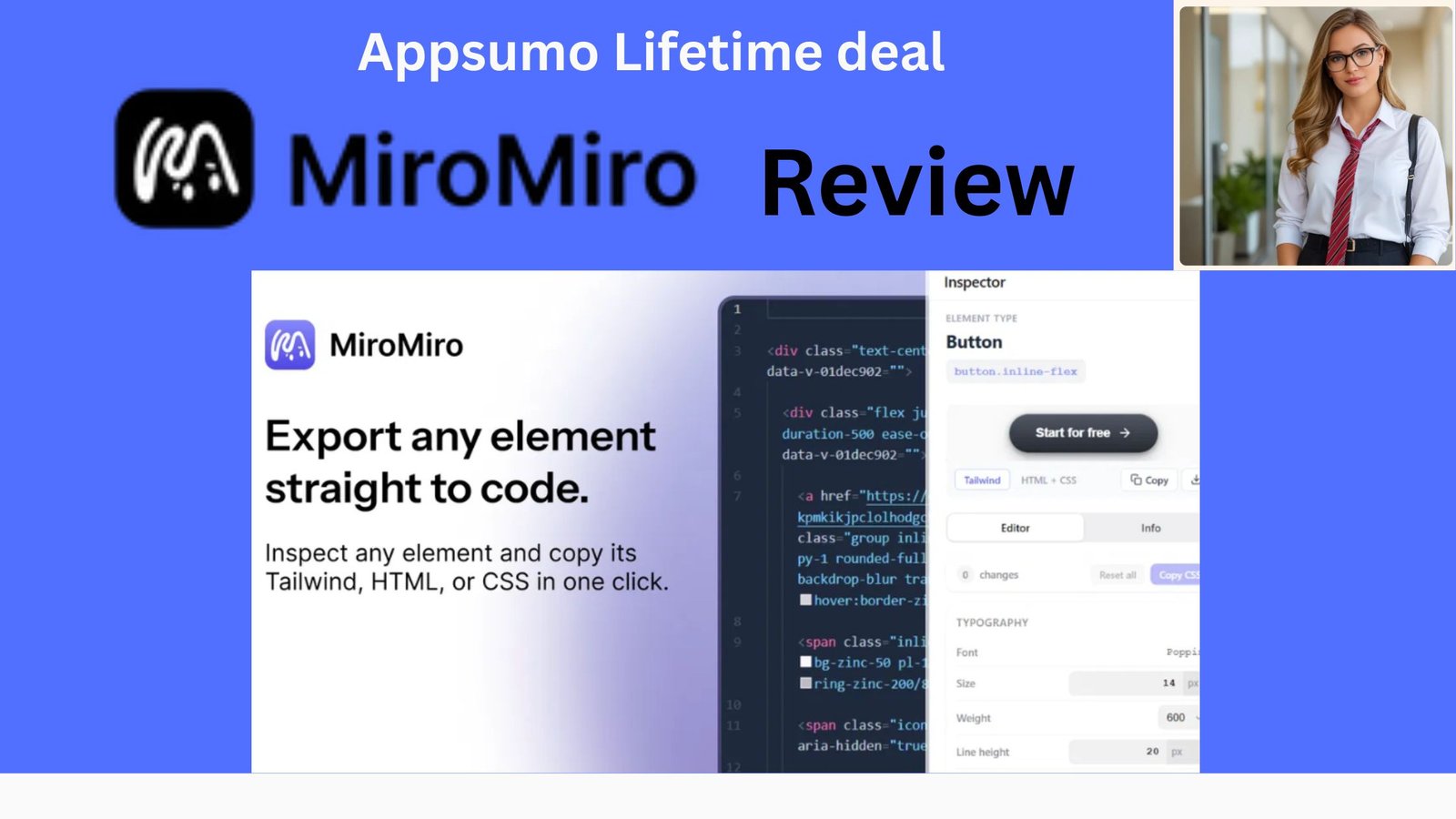
MiroMiro Review: Overview
Looking for an easy way to inspect websites, extract design elements, and turn web layouts into usable code? This MiroMiro review takes a closer look at MiroMiro, a browser-based tool designed for web designers, developers, and freelancers. It lets users inspect CSS, fonts, colors, images, SVGs, spacing, and other design elements directly from a webpage.
MiroMiro also offers features such as design-token extraction, live style editing, responsive previews, and web-to-code exports for formats including HTML/CSS, Tailwind, React, and Vue. In this MiroMiro review, we’ll explore its key features, pricing, pros and cons, and overall value to help you decide whether it is the right tool for your workflow.
If you regularly build websites, redesign landing pages, inspect competitor websites, or need to turn an existing design into usable code, you know how much time can disappear into small tasks.
Finding the exact font. Identifying colors. Checking spacing. Inspecting CSS. Downloading SVGs. Recreating a section from a screenshot. Then opening DevTools and jumping between different tools to piece everything together.
Get Lifetime Deal MiroMiro review
MiroMiro aims to simplify that entire process.
MiroMiro is a browser-based web inspector and web-to-code tool that lets you inspect live websites, identify design elements, extract assets and design tokens, edit styles, and export sections or pages into formats such as HTML/CSS, Tailwind, React, and Vue.
But is MiroMiro actually worth paying for, or is it just another browser extension with a flashy feature list?
After looking at its current features, pricing, user feedback, and third-party reviews, here’s my assessment.
MiroMiro at a Glance
| Feature | MiroMiro |
|---|---|
| Website inspection | Yes |
| CSS extraction | Yes |
| Font finder | Yes |
| Color extraction | Yes |
| SVG & image downloads | Yes |
| Lottie extraction | Yes |
| Live style editing | Yes |
| Design-token extraction | Yes |
| HTML/CSS export | Yes |
| Tailwind export | Yes |
| React export | Yes |
| Vue export | Yes |
| WCAG contrast checking | Yes |
| Responsive/device preview | Yes |
| Browser support | Chrome, Edge, Brave, Opera, Firefox |
| Free option | Yes |
| Paid plans | Monthly and lifetime |
| API/MCP | Available separately |
Features and browser availability are based on MiroMiro’s current website and Chrome Web Store listing.
What Is MiroMiro?
MiroMiro is essentially a website inspector, design-system extractor, asset downloader, and web-to-code tool combined into one browser extension.
Instead of opening browser DevTools and manually searching through HTML and CSS, MiroMiro gives you a visual interface for inspecting elements on a page.
You can select an element and view properties such as:
- Colors
- Fonts
- Spacing
- Borders
- Border radius
- Shadows
- Opacity
- CSS values
You can also modify styles live and see the changes directly on the page.
The bigger selling point, however, is that MiroMiro goes beyond inspection.
You can select a section or an entire page and export it as code, including HTML/CSS, Tailwind, React, or Vue.
That makes it particularly interesting for developers and designers who frequently work from existing websites or visual references.
How Does MiroMiro Work?
The basic workflow is straightforward.
1. Install the extension
MiroMiro is available as a browser extension. Its current listing supports Chrome and the developer also lists Edge, Brave, Opera, and Firefox.
2. Open a website
Navigate to the website you want to inspect.
3. Select an element
Use MiroMiro to select an element on the page.
The tool can expose the element’s visual and CSS properties without requiring you to dig through the browser’s normal developer tools.
4. Inspect or modify the design
You can examine fonts, colors, spacing, borders, shadows, and other properties.
MiroMiro also lets you edit styles live, which can be useful when experimenting with alternative designs.
5. Export what you need
Depending on your workflow, you can copy individual CSS values, download assets, extract design tokens, or export sections and pages into code.
This is where MiroMiro becomes more than a traditional web inspector.
MiroMiro Features
1. Visual CSS Inspector

The core feature is the visual inspector.
Rather than manually searching through a stylesheet, you can click an element and retrieve relevant design information.
This can save considerable time when you’re trying to understand how a particular website was constructed.
2. Font Finder
MiroMiro can identify fonts used by website elements.
For designers, this can be particularly useful when researching typography or trying to understand the visual system behind a website.
3. Color Extraction
You can inspect colors and copy values such as hex colors.
MiroMiro also provides a broader overview of a site’s color palette and other design characteristics.
4. Design-System Extraction

One of the more interesting features is the ability to capture information about an entire site’s design system.
According to the current product listing, MiroMiro can identify things such as:
- Color palettes
- Font stacks
- Spacing scales
- Border-radius styles
- Shadow tiers
- Design tokens
- Detected technology stacks
It can also export tokens for Tailwind, CSS variables, or JSON.
This can be much more useful than simply copying one CSS property at a time.
5. Web-to-Code
This is arguably MiroMiro’s most compelling feature.
You can export selected sections or entire pages into formats including:
- HTML/CSS
- Tailwind
- React/JSX
- Vue
The idea is to reduce the amount of manual reconstruction required when turning an existing visual design into a working implementation.
Of course, generated code should still be reviewed and cleaned up before being used in production.
6. Asset Extraction

MiroMiro can download supported assets from websites, including images, SVGs, and Lottie animations.
That makes it useful for design research and development workflows where you need to catalog visual assets.
Important: extracting an asset technically does not automatically give you permission to reuse copyrighted images, logos, illustrations, or other proprietary content. Always check the relevant licensing and permissions before publishing extracted assets.
7. Live Style Editing
Another useful feature is live editing.
You can change properties such as colors, fonts, spacing, borders, opacity, and shadows and immediately see the result on the page.
This can make MiroMiro useful not only for reverse-engineering a design but also for experimenting with redesigns.
8. Responsive Device Preview
MiroMiro also provides previews in device frames, including devices such as iPhones, Pixels, iPads, and MacBooks.
For designers and developers, this provides a convenient way to check how a website behaves at different viewport sizes.
9. Accessibility Checking
The extension includes WCAG contrast checking for selected text elements.
That’s a useful addition for designers who want accessibility considerations to be part of their normal workflow rather than an afterthought.
MiroMiro Pricing Visit affihub.io
| Plan Name | Price | Original Price | Badge | Access Type | Feature Line 1 | Feature Line 2 |
|
License Tier 1
|
$49
|
$199
|
— |
Lifetime access
|
1
|
2,000
|
|
License Tier 2
|
$109
|
$299
|
— |
Lifetime access
|
3
|
2,000
|
|
License Tier 3
|
$249
|
$459
|
Recommended
|
Lifetime access
|
20
|
Unlimited
|
|
License Tier 4
|
$399
|
$629
|
Plus Exclusive
|
Lifetime access
|
40
|
Unlimited
|
Is There a Free Version?
Yes.
MiroMiro currently offers a free plan. The website says you can try Pro features for three days, while some inspection and download functionality remains available after the trial.
That is a significant advantage for users who want to test the workflow before paying.
MiroMiro Pros and Cons
Pros
Easy visual inspection
You don’t have to rely entirely on browser DevTools to understand a site’s design.
Lots of functionality in one extension
Font identification, CSS inspection, asset extraction, design tokens, live editing, code export, and responsive previews are all brought together.
Useful for developers
Exporting sections to Tailwind, HTML/CSS, React, or Vue can potentially reduce repetitive front-end work.
Useful for designers
The ability to inspect and modify colors, typography, spacing, shadows, and other properties makes it useful for design research and iteration.
Free to try
The free tier and trial make it easier to evaluate before committing to a paid plan.
Lifetime option
For users who prefer avoiding recurring subscriptions, the lifetime offer can be attractive.
Cons
It is not a replacement for a professional development environment
Exported code may still require manual cleanup, refactoring, accessibility work, responsiveness adjustments, and production optimization.
The category is competitive
MiroMiro competes with several other browser-based inspection and design tools, so its value depends on whether its combined workflow is more convenient for you than using separate tools.
Pricing can change
There are currently different offers across the official website and AppSumo, so affiliate publishers should verify the live price before advertising a specific discount.
Asset extraction doesn’t mean unrestricted reuse
Downloading an image or SVG does not automatically grant copyright or commercial-use rights.
What Are Users Saying About MiroMiro?
The available user feedback is generally positive, although the number of reviews is still relatively small.
Product Hunt currently lists MiroMiro at 5.0/5 from two reviews. Reviewers have praised the product’s polished interface, lightweight workflow, and ability to save design elements and variables.
The Chrome Web Store currently shows 4.7/5 from 15 ratings, with around 20,000 users listed on the extension page.
AppSumo also contains positive feedback. One verified AppSumo tester described it as a practical Chrome extension for inspecting websites, copying CSS, colors, fonts and spacing, downloading assets, and exporting sections as Tailwind. The tester also noted that several minor issues found during testing were subsequently addressed by the developer.
The takeaway is positive, but I would avoid presenting the product as extensively proven by thousands of detailed independent reviews. It is still a relatively young product.
MiroMiro vs. Traditional DevTools
So, why not just use Chrome DevTools?
You absolutely can.
DevTools is significantly more powerful for developers who need deep access to a website’s DOM, JavaScript, network requests, performance information, debugging tools, and other technical details.
MiroMiro is solving a different problem.
It focuses on making design inspection and extraction faster and more visual.
If you only occasionally need to inspect CSS, DevTools may be enough.
If you repeatedly research designs, identify fonts and colors, extract assets, capture design systems, experiment with styles, and turn website sections into code, MiroMiro becomes more interesting.
Who Should Use MiroMiro?
MiroMiro is particularly well suited to:
Web Designers
Designers can use it to study typography, colors, spacing, shadows, and other visual patterns.
Front-End Developers
Developers can use it to inspect existing interfaces and accelerate the process of converting visual references into code.
Freelancers
Freelancers working on redesigns or client websites may find the inspection and asset-extraction workflow useful.
UI/UX Researchers
The design-system overview can help researchers analyze how different websites structure their visual language.
Developers Working With AI
MiroMiro’s ability to export actual website sections into code can also be useful as an input to AI-assisted development workflows. The product specifically positions itself as a way to provide AI coding tools with more accurate working code instead of relying solely on screenshots.
Who Probably Doesn’t Need MiroMiro?
You probably don’t need MiroMiro if:
- You rarely build or inspect websites.
- You already have a workflow you’re happy with.
- You only need basic CSS inspection.
- You expect exported code to be production-ready without modification.
- You are looking for a full visual website builder rather than an inspection/development tool.
In those situations, paying for another browser extension may not provide enough additional value.
Is MiroMiro Worth It?
For web designers and front-end developers, I think MiroMiro is worth trying.
The strongest argument isn’t any single feature.
It’s the combination.
Instead of using one tool to identify fonts, another to inspect CSS, another to download assets, another to capture design tokens, and another workflow to turn a reference into code, MiroMiro attempts to put these activities into one interface.
The free option makes the decision relatively low-risk because you can test the workflow before committing.
The lifetime plan is potentially more compelling for people who expect to use the extension regularly and prefer a one-time purchase over another monthly SaaS subscription.
However, I wouldn’t recommend buying it simply because it can “copy websites.”
The real value is in speeding up legitimate design research, development, prototyping, and reconstruction workflows.
Final Verdict
MiroMiro Rating: 4.5/5
MiroMiro is a promising tool for designers and developers who frequently inspect websites and need to move quickly from visual references to usable design information or code.
Its biggest strength is the breadth of its workflow: inspect → understand → edit → extract → export.
The free option is enough to test whether that workflow fits your needs, while the lifetime option may make sense for frequent users who want to avoid another recurring subscription.
The main caveat is that MiroMiro is still a relatively young product, so prospective buyers should consider the relatively limited volume of independent reviews and verify current pricing before purchasing.
My recommendation: If you’re a web designer, front-end developer, freelancer, or someone who frequently reverse-engineers web interfaces for legitimate development work, MiroMiro is worth testing.
Frequently Asked Questions
Is MiroMiro free?
MiroMiro has a free plan. Its current website also offers paid monthly and lifetime plans.
Does MiroMiro work with Chrome?
Yes. MiroMiro is available through the Chrome Web Store and currently lists support for Chrome, Edge, Brave, Opera, and Firefox.
Can MiroMiro convert a website to React?
Yes. MiroMiro’s current feature list includes export to React/JSX, as well as HTML/CSS, Tailwind, and Vue.
Can MiroMiro download images and SVGs?
Yes. The extension supports downloading images and SVGs and also supports Lottie extraction.
Does MiroMiro replace Chrome DevTools?
Not completely. DevTools remains the more comprehensive development and debugging environment. MiroMiro is better thought of as a specialized visual inspection and design-to-code workflow.
Does MiroMiro have a lifetime deal?
Yes. MiroMiro currently advertises a lifetime option on its official website, and an AppSumo lifetime offer is also currently listed. Prices and availability can change.
Final Recommendation
Overall, MiroMiro review findings suggest that the tool is a useful option for web designers, developers, freelancers, and anyone who regularly needs to inspect websites and extract design elements. Its combination of CSS inspection, asset extraction, design tokens, live editing, and web-to-code features makes it a convenient addition to a modern web development workflow.
Based on this MiroMiro review, I recommend trying the free version first to see whether its features fit your needs. If you frequently work with website designs and need to save time during development, upgrading to a paid or lifetime plan could provide good value.
Affiliate disclosure: This article may contain affiliate links. If you purchase MiroMiro through one of these links, we may earn a commission at no additional cost to you. Our recommendations are based on the product’s publicly available features, pricing, and user feedback.