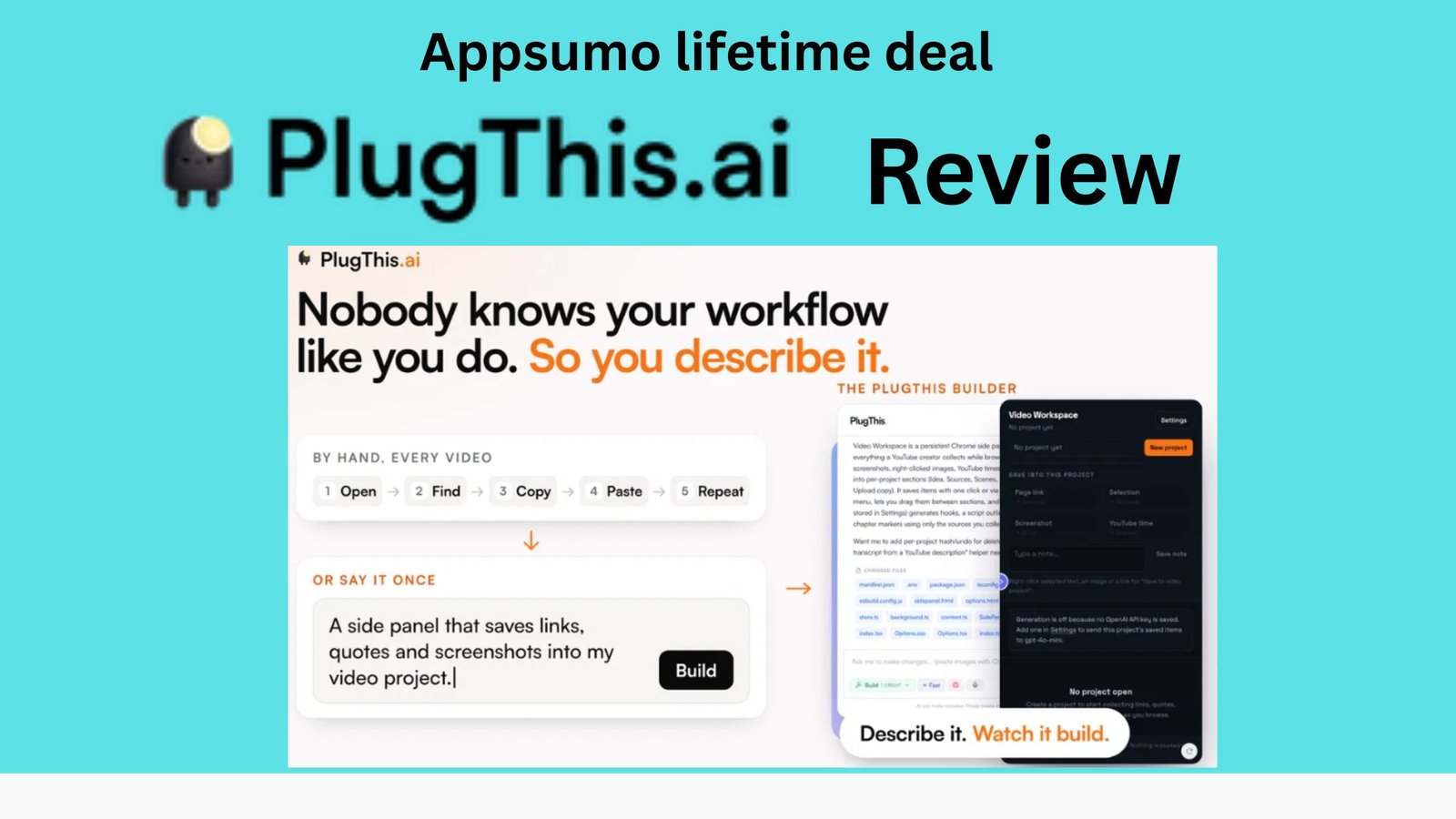
If you have ever wanted to build a Chrome extension but stopped because you don’t know how to code, PlugThis AI is a tool worth checking out.
Instead of learning JavaScript, Chrome APIs, Manifest V3, content scripts, background workers, and extension packaging, PlugThis lets you describe what you want in plain English. Its AI then generates a working Chrome extension that you can install, test, modify, download, and potentially publish.
But does it actually work as promised?
In this Plug This AI review, we’ll look at its features, pricing, ease of use, code ownership, pros and cons, limitations, user feedback, and whether Plug This AI is worth paying for in 2026.
Get Plug This AI review Lifetime Deal
Plug This AI Review: Quick Verdict
PlugThis AI is one of the more focused AI development tools for people who specifically want to build Chrome extensions without starting from scratch.
Unlike general AI website builders, Plug This is designed around the Chrome extension architecture. It generates components such as the manifest, popup, content scripts, background service worker, and other required files.
Our Rating: 8.8/10
Category |
Rating |
| Ease of use | 9/10 |
| AI building | 9/10 |
| Chrome extension support | 9.5/10 |
| Features | 8.5/10 |
| Code ownership | 9.5/10 |
| Beginner friendliness | 9/10 |
| Complex projects | 7.5/10 |
| Value for money | 8.5/10 |
| Overall | 8.8/10 |
Best for: Non-developers, founders, marketers, solopreneurs, agencies, and developers who want to prototype Chrome extensions quickly.
What Is PlugThis AI?
PlugThis AI is an AI-powered Chrome extension builder.
The basic concept is simple:
Describe → Build → Test → Refine → Download → Publish
You don’t need to manually create an extension folder or write the initial JavaScript yourself. You can describe an idea such as:
“Build a Chrome extension that summarizes the current webpage and lets me copy the summary.”
Plug This attempts to turn that description into a complete Chrome extension.
According to Plug This, its generated projects can include the popup UI, content scripts, background workers, manifest file, and other components needed for a functioning extension.
The important difference is that Plug This isn’t trying to be an all-purpose website builder.
It is specifically focused on Chrome extensions.
How Does Plug This AI Work?
The process is surprisingly straightforward.
Step 1: Describe Your Extension
You start by explaining what you want to build.
For example:
“Create a Chrome extension that highlights all email addresses on a webpage and lets me export them as CSV.”
You don’t need to write the technical implementation.
Step 2: PlugThis Generates the Extension
The AI creates the necessary project structure and code.
Depending on the project, this can include:
- Manifest V3 configuration
- Popup interface
- Content scripts
- Background service worker
- Permissions
- Messaging between extension components
- API integrations
- Backend functionality
- AI features
- Settings pages
PlugThis says its first working version can be generated in roughly two minutes, although the time required naturally depends on project complexity.
Step 3: Test the Extension
You can install the generated extension in Chrome and test how it behaves.
This is an important part of the workflow because a browser extension isn’t simply a normal website.
Chrome has specific requirements around permissions, scripts, security, and Manifest V3.
Step 4: Ask for Changes
This is where the AI workflow becomes particularly useful.
Instead of opening a code editor and figuring out which files need modification, you can tell PlugThis what you want changed.
For example:
- “Change the popup color to dark blue.”
- “Add an export button.”
- “Only run this extension on Gmail.”
- “Add a settings page.”
- “Remember the user’s preferences.”
- “Add an OpenAI-powered summary feature.”
You can then continue iterating.
PlugThis AI Features
-
AI Chrome Extension Builder

This is the core feature.
PlugThis is designed specifically for creating Chrome extensions rather than generic web applications.
That specialization matters because Chrome extensions use a particular architecture involving things like Manifest V3, content scripts, service workers, permissions, and extension-specific UI.
PlugThis says it generates complete Manifest V3 projects rather than simply producing a website that looks like an extension.
-
Build Extensions Without Coding

One of the biggest advantages is accessibility.
You don’t necessarily need to know:
- JavaScript
- HTML
- CSS
- Chrome extension APIs
- Manifest V3
- Service workers
- Extension permissions
You explain the desired result, and the AI handles much of the implementation.
That doesn’t mean technical knowledge is useless. Complex projects can still require debugging and understanding Chrome’s restrictions.
But the barrier to getting started is dramatically lower.
-
AI-Powered Extensions

Plug This can also be used to create extensions that use external AI services.
For example, you could build:
- AI writing assistants
- Page summarizers
- Translation tools
- AI email helpers
- Content analysis tools
- AI research assistants
- Text rewriting extensions
Plug This supports integrations involving providers such as OpenAI and Gemini, with API-key-based approaches for AI functionality.
This opens up considerably more possibilities than simple UI modifications.
-
Supabase Backend Support
PlugThis isn’t limited to extensions that run entirely inside the browser.
For projects that need user accounts, databases, or server-side functionality, PlugThis supports connecting a Supabase backend.
That means you can potentially create extensions that have:
- User authentication
- Cloud data storage
- User-specific settings
- Database-backed applications
- Synchronization
- Server-side logic
This is particularly interesting for people who want to turn a Chrome extension into a real SaaS product rather than just a personal utility.
-
Full Source Code Ownership

This is one of PlugThis AI’s strongest features.
You aren’t simply getting access to an extension that exists inside the platform.
PlugThis says you can download the generated source code and use it outside the platform.
That gives you the option to:
- Modify the code yourself
- Give it to a developer
- Publish it
- Build a commercial product
- Maintain it independently
- Export it to GitHub
For developers and businesses, this reduces the risk of being locked into an AI builder.
-
Chrome Web Store Preparation
Publishing a Chrome extension involves more than simply writing code.
You also have to deal with:
- Extension permissions
- Manifest requirements
- Store listing requirements
- Privacy information
- Packaging
- Chrome Web Store policies
PlugThis provides features intended to help users prepare extensions for Chrome Web Store submission. Its documentation also covers publishing, privacy policies, permissions, and Chrome Web Store review.
Some users specifically praise this aspect.
One verified AppSumo reviewer reported that PlugThis helped take an extension from development through Chrome Web Store approval.
-
Templates and Existing Examples
If starting from a blank prompt feels intimidating, PlugThis also provides examples/templates and showcases extensions that have been rebuilt using the platform.
The company’s site currently highlights examples involving productivity tools, writing tools, CSS utilities, privacy tools, and other Chrome extensions.
These examples are useful because they show what is possible beyond simple “Hello World” extensions.
What Can You Build With PlugThis AI?
The possibilities are quite broad.
Here are some practical examples.
Productivity Extensions
You could build:
- Tab managers
- Focus tools
- Website blockers
- Notes extensions
- Page organizers
- Reminder tools
Marketing Extensions
For marketers, possible ideas include:
- SEO analysis tools
- Website research tools
- Lead collection tools
- Content analyzers
- Social media helpers
- Competitor research utilities
AI Extensions
You could create:
- AI writing assistants
- Page summarizers
- AI translators
- Email response assistants
- Content rewriting tools
- Research assistants
E-commerce Extensions
Potential applications include:
- Price tracking
- Product analysis
- Shopping research
- Competitor monitoring
- Product information extraction
Developer Tools
Developers could build:
- CSS inspectors
- Page analyzers
- API utilities
- JSON tools
- Debugging helpers
- Developer productivity tools
PlugThis itself says simple-to-moderately complex extensions such as productivity tools, scrapers, UI customizers, AI assistants, email trackers, and sidebar tools are within its intended range.
PlugThis AI Pricing Visit affihub.io
Here is a clean table summarizing the pricing tiers from the image:
| Plan | Price (Original) | Access Type | Feature Row 1 | Feature Row 2 (per month) | Feature Row 3 |
| License Tier 1
|
$39 ($129) | Lifetime access | 1 | 20 | 1 |
| License Tier 2
|
$109 ($339) | Lifetime access | 3 | 60 | 3 |
| License Tier 3 (Recommended)
|
$229 ($649) | Lifetime access | 8 | 180 | 5 |
| License Tier 4
|
$349 ($929) | Lifetime access | Unlimited | 300 | 15 |
PlugThis AI Review Pros and Cons
Pros
✅ Extremely beginner-friendly
You can describe your extension using normal language instead of starting with code.
✅ Designed specifically for Chrome
The platform understands the architecture of browser extensions rather than treating an extension as a normal website.
✅ Full source-code ownership
You can download and work with your generated code.
✅ Good for rapid prototyping
A simple extension can potentially go from idea to working prototype very quickly.
✅ Supports more advanced projects
Supabase and AI integrations make it possible to go beyond simple browser utilities.
✅ Useful for entrepreneurs
You can test a product idea before spending thousands of dollars hiring a developer.
✅ Commercial possibilities
You can use the generated code to develop and potentially sell your own extension, subject to the relevant licenses, platform rules, and third-party service terms.
Cons
❌ Complex projects can require many iterations
AI-generated software isn’t automatically perfect.
One AppSumo user reported requiring 84 iterations while developing a fairly sophisticated extension. They also noted that simpler projects should generally require less iteration.
❌ Chrome limitations still exist
PlugThis cannot remove restrictions imposed by Chrome, websites, CORS, permissions, or other platforms.
A verified user specifically reported encountering Chrome Web Store scripting restrictions and CORS/server-side data-acquisition challenges.
❌ Not a replacement for developers in every situation
PlugThis’s own documentation acknowledges that highly specialized enterprise extensions with deep native integrations may still require a developer.
❌ AI can sometimes make incorrect assumptions
One reviewer described situations where changes had to be redone. The PlugThis founder acknowledged that the AI can sometimes guess instead of recognizing that it needs more information.
PlugThis AI User Reviews
Current AppSumo feedback is generally very positive.
At the time of checking, AppSumo displayed a 4.9/5 overall rating from 14 reviews, with most reviews giving the product its highest rating.
Users commonly praise:
- Speed
- Ease of development
- Support
- Source-code ownership
- Ability to create extensions without traditional development skills
However, the reviews also show an important reality:
PlugThis makes development easier; it doesn’t eliminate development problems entirely.
For complicated extensions, users may still need multiple iterations, debugging, browser testing, or assistance from another AI coding tool or developer.
PlugThis AI vs Lovable vs Bolt
One of the easiest ways to understand PlugThis is to compare it with general AI app builders.
Feature |
PlugThis |
Lovable |
Bolt |
| Chrome extensions | ⭐⭐⭐⭐⭐ | ⭐⭐⭐ | ⭐⭐⭐ |
| Web apps | ⭐⭐ | ⭐⭐⭐⭐⭐ | ⭐⭐⭐⭐⭐ |
| No-code friendly | ⭐⭐⭐⭐⭐ | ⭐⭐⭐⭐⭐ | ⭐⭐⭐⭐⭐ |
| Extension architecture | ⭐⭐⭐⭐⭐ | ⭐⭐ | ⭐⭐ |
| Full source code | ✅ | ✅ | ✅ |
| AI development | ✅ | ✅ | ✅ |
| Supabase | ✅ | ✅ | ✅ |
| Best use case | Chrome extensions | Web apps | Web apps |
The key point isn’t that PlugThis is better than every general AI builder.
It’s that PlugThis is much more specialized.
If you want a web application, a general AI app builder may be more appropriate.
If you want a Chrome extension, PlugThis’s specialization can be a major advantage.
Who Should Use PlugThis AI?
PlugThis is particularly interesting for:
-
Non-technical founders
If you have a browser extension idea but can’t code, PlugThis gives you a way to validate the idea before hiring a developer.
-
Solopreneurs
You can create small browser-based products yourself.
-
Marketers
Marketers can build internal tools and workflow extensions without waiting for engineering resources.
-
Agencies
Agencies could use it to prototype or create custom browser tools for clients.
-
Developers
Even experienced developers may find it useful for rapidly generating the initial architecture and boilerplate.
-
SaaS founders
The combination of Chrome extensions, AI APIs, and Supabase opens the possibility of building browser-based SaaS products.
Who Should NOT Use PlugThis?
PlugThis probably isn’t the best choice if:
- You need a native desktop application.
- You primarily want to build websites.
- You need a complex enterprise integration.
- You require extremely customized low-level browser behavior.
- You don’t want to perform any testing or debugging.
- Your project depends on APIs that Chrome or the target website restricts.
In those situations, a traditional developer or a more general development environment may be more appropriate.
Is PlugThis AI Legit?
Based on the available information, PlugThis appears to be a legitimate, functioning AI Chrome-extension development product, rather than simply a concept or landing page.
The official documentation describes its architecture and capabilities, while independent AppSumo users have reported actually building and deploying extensions with it.
The important caveat is that PlugThis is still a relatively young product. Its company information on AppSumo lists the business as founded in February 2026 and based in Bengaluru, India.
That means buyers should still evaluate its long-term support, pricing, platform changes, and Chrome compatibility before building a business that depends entirely on it.
Is PlugThis AI Worth It?
For the right user, yes.
If your goal is:
“I have a Chrome extension idea, but I don’t know how to build it.”
PlugThis is a compelling option.
The biggest benefit isn’t simply that it generates code.
The real benefit is that it reduces the distance between:
Idea → Prototype → Working Extension → Testing → Product
A traditional development process can require learning, hiring, or weeks of work.
With PlugThis, simple extensions can potentially be created much faster.
For complicated extensions, however, expect iteration and debugging rather than a magical one-prompt solution.
Final PlugThis AI Review Verdict
⭐ Overall Rating: 8.8/10
PlugThis AI is a specialized AI Chrome extension builder that makes browser-extension development significantly more accessible to non-developers.
Its strongest advantages are its Chrome-specific architecture, plain-English development workflow, source-code ownership, AI integrations, backend support, and relatively low barrier to entry.
It isn’t perfect.
Complex extensions can require multiple iterations, and Chrome’s technical and security restrictions don’t disappear just because AI is writing the code.
But that’s not really a weakness unique to PlugThis.
The bigger question is whether you want to build a Chrome extension.
If the answer is yes, PlugThis deserves a serious look.
Our verdict:
PlugThis AI is recommended for founders, non-coders, marketers, developers, and anyone who wants to turn a Chrome extension idea into a working product without building everything manually from scratch.
For a simple extension, it can save substantial development time.
For a complex commercial extension, consider it an AI-powered development accelerator rather than a complete replacement for technical expertise.
Rating: 8.8/10
Frequently Asked Questions of PlugThis AI Review
What is PlugThis AI?
PlugThis AI is an AI-powered tool for creating Chrome extensions from natural-language descriptions. It generates the code and structure required for a working Manifest V3 extension.
Do I need coding skills?
No. PlugThis is designed to let users describe their desired extension in plain English. However, coding knowledge can still be useful for complex projects and debugging.
Can I sell extensions created with PlugThis?
PlugThis provides source-code ownership and supports publishing/selling extensions, subject to applicable third-party licenses and Chrome Web Store requirements.
Can PlugThis build AI Chrome extensions?
Yes. PlugThis supports AI-powered extension use cases and integrations with external LLM providers.
Can PlugThis use a database?
Yes. PlugThis supports Supabase for projects that need backend functionality such as authentication and data storage.
Is PlugThis better than Lovable?
Not universally. Lovable is designed for broader application development, while PlugThis is specifically optimized for Chrome extensions. If your primary goal is a Chrome extension, PlugThis’s specialization can be an advantage.
How much does PlugThis cost?
The official site currently lists plans starting at $9.99/month, with a $29.99/month Builder plan. Lifetime deals have also appeared through AppSumo.
Is PlugThis AI worth buying?
If you specifically want to create Chrome extensions, it can be worth considering. Its value is strongest for people who want to move quickly from an idea to a working extension without manually implementing the entire Chrome extension architecture.