If you are looking for an easy way to create animated videos, presentations, promotional videos, or social media content without becoming a professional video editor, Wideo is a tool worth considering.
In this Wideo review for 2026, we’ll look at its features, pricing, templates, ease of use, advantages, disadvantages, and who should actually use it.
Get Wideo review for 2026 Lifetime Deal
What Is Wideo?
Wideo Review 2026: Wideo is an online video creation and animation platform that allows users to create professional-looking videos directly from a web browser, without installing traditional video-editing software.
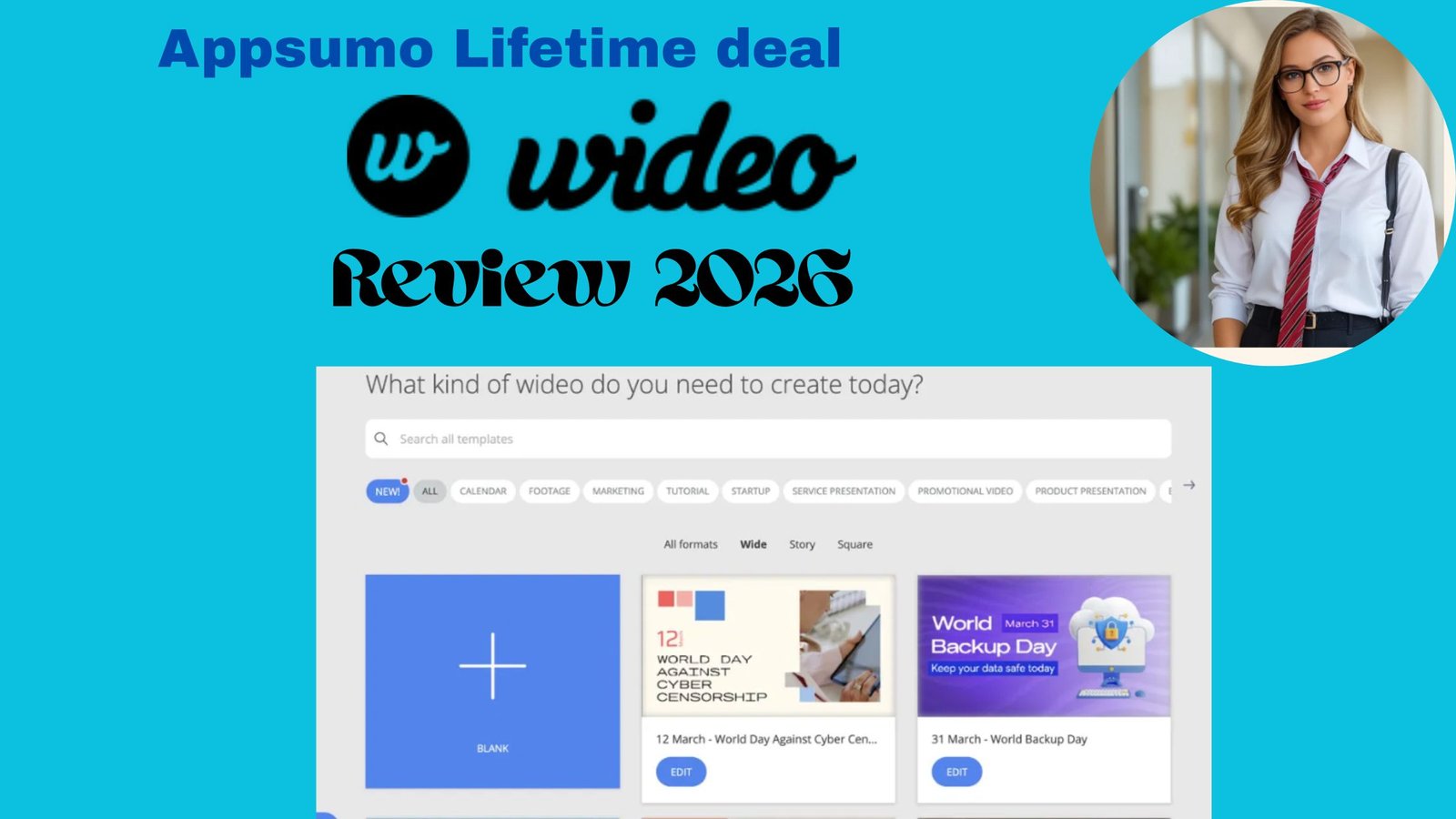
You can start with a blank project or customize a ready-made template by adding your own text, images, logos, videos, music, and animations.
In this Wideo Review 2026, we found that the platform is designed for creating animated videos, presentations, promotional content, explainer videos, social media content, and other business-focused videos. Wideo’s feature set includes keyframe animation, scene transitions, video uploads, stock video, music, voiceovers, Full HD downloads, GIF export, YouTube uploads, URL sharing, and video embedding.
For beginners, marketers, educators, freelancers, and small businesses, Wideo offers a relatively simple way to create engaging video content without the steep learning curve of professional video-editing software.
Wideo Features

-
Easy Video Creation
One of Wideo’s biggest advantages is its browser-based editor.
You don’t need to install complicated desktop software. This makes it useful for people who want to create professional-looking videos without spending weeks learning advanced editing tools.
-
Ready-Made Templates
Wideo provides a collection of templates that can be customized for different types of projects.
Templates can save a lot of time because you don’t have to design every scene from scratch.
You can change:
- Text
- Images
- Colors
- Logos
- Video clips
- Music
- Animations
- Scene timing
This is particularly useful for marketers and small businesses that regularly create promotional content.
-
Animation and Keyframes
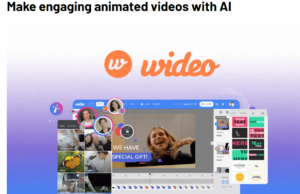
Wideo is more than a simple slideshow maker.
Its editor supports custom animations and keyframes, allowing users to control when objects appear, move, or disappear.
You can also add transitions between scenes and control the timing of animations with frame-level precision.
-
Upload Your Own Videos and Images
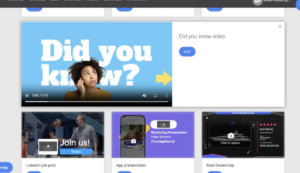
You can upload your own images and video files and combine them with Wideo’s animation tools.
The platform also provides access to free video clips, images, and music, which can be useful when you don’t have your own media assets.
-
Text-to-Speech
Wideo also provides a text-to-speech feature. The available character limits depend on the subscription plan, with unlimited text-to-speech listed for Pro and Pro+ plans.
This can be useful for explainer videos, presentations, tutorials, and marketing content.
-
YouTube and Video Sharing
After creating a video, users can share it through a video URL or embed it on a website.
Paid plans also support uploading videos to platforms such as YouTube, Facebook, and HubSpot.
-
GIF Export
Another useful feature is GIF export.
If you want to turn a short animation into a GIF for a website, presentation, or social media post, Wideo provides that option on paid plans.
Wideo Pricing 2026 Visit affihub.io
Wideo currently has a Free plan and three paid plans.
According to Wideo’s official pricing page, the monthly plans are:
Feature |
License Tier 1 |
License Tier 2 |
License Tier 3 |
License Tier 4 |
| Price (Original) | $59 ($228) | $99 ($468) | $179 ($948) | $279 ($2,299) |
| Access Type | Lifetime access | Lifetime access | Lifetime access | Lifetime access |
| Monthly AI Credits | 100 | 250 | 500 | 1,000 |
| Monthly Downloads | 10 | Unlimited | Unlimited | Unlimited |
| Max Video Length | 1.5 minutes | 10 minutes | 30 minutes | 30 minutes |
Free Plan
The Free plan is useful for testing the platform before paying.
It includes:
- 1-minute videos
- 10 video templates
- Branded videos
For serious commercial work, however, the limitations can become noticeable.
Basic Plan
The Basic plan increases the video length to 1.5 minutes and allows up to 10 downloads per month.
It may work for occasional short promotional videos, but the monthly price makes it difficult to recommend for casual users.
Pro Plan
The Pro plan is much more capable.
It includes:
- Unlimited downloads
- Up to 10-minute videos
- Full template gallery
- Full HD downloads
- Unbranded videos
- Monetization rights
- Interactive videos
For freelancers, marketers, and businesses producing videos regularly, this is likely the most practical Wideo plan.
Pro+ Plan
Pro+ is aimed more at teams and businesses.
It supports videos up to 30 minutes, unlimited downloads, three additional seats, and Zapier automation for up to 50 videos per month.
Is Wideo Easy to Use?
Yes.
Wideo’s main selling point is simplicity.
Instead of dealing with a complicated professional editor, you can select a template, replace the content, adjust animations and timing, and export the finished video.
For a beginner, this workflow is much easier than learning software such as Adobe After Effects.
That said, users who want advanced cinematic editing, professional color grading, sophisticated audio production, or complex effects may eventually need a more advanced editor.
Wideo Review 2026 Pros and Cons
Pros
- Easy browser-based editor
- No software installation required
- Ready-made video templates
- Animation and keyframe controls
- Supports images and video uploads
- Free media and music resources
- Text-to-speech functionality
- Full HD export on paid plans
- GIF export
- YouTube uploading
- Video URL sharing and embedding
- Useful for businesses and marketing teams
- Commercial/monetization rights on paid plans
Cons
- Paid plans can be expensive
- Free plan is quite limited
- Basic plan only supports 1.5-minute videos
- Advanced professional editing features are limited compared with dedicated editors
- Pricing is more suitable for businesses than casual users
Independent review data also shows a mixed picture: Capterra currently lists Wideo at 4.0/5 from 40 reviews, with 4.1 for ease of use and 4.2 for customer service.
Wideo vs Traditional Video Editing Software
The biggest difference is the learning curve.
Traditional professional editing software can provide much deeper control, but it can take considerable time to learn.
Wideo takes a different approach.
It focuses on:
Templates + animation + simplicity + speed
This makes Wideo particularly attractive for:
- Small businesses
- Social media marketers
- Teachers
- Trainers
- Freelancers
- Agencies
- Entrepreneurs
- Presentation creators
If your goal is to produce a complicated cinematic production, Wideo probably isn’t the first tool I’d choose.
But if your goal is to create a polished business or marketing video quickly, it makes considerably more sense.
Who Should Use Wideo?
Beginners
If you’re new to video creation, Wideo’s templates and simple interface can reduce the learning curve.
Small Businesses
Businesses can use Wideo for product promotions, advertisements, presentations, tutorials, and social media content.
Marketers
Marketers can create animated promotional videos without hiring a professional video production team for every small campaign.
Teachers and Trainers
Animated explanations and presentation videos can make educational content more engaging.
Freelancers and Agencies
The commercial and monetization features can be useful for freelancers and agencies producing videos for clients. Wideo also specifically promotes the ability to create and resell videos to clients.
Is Wideo Worth It in 2026?
The answer depends on what you need.
If you only make an occasional short video, the Free plan is worth trying before spending money.
If you regularly create animated marketing videos, presentations, explainers, or promotional content, Wideo becomes more attractive.
However, the monthly pricing is a major consideration. At $59/month for Basic and $99/month for Pro, Wideo is positioned more toward professional/business users than casual creators.
The annual pricing makes the service considerably more competitive, especially for users who know they will use it throughout the year.
Final Verdict: Wideo Review 2026
Overall Rating: 8/10
Wideo Review 2026: Wideo is a straightforward and useful online video creation platform for people who want professional-looking animated videos without the complexity of traditional editing software.
Its strongest points are its ready-made templates, animation tools, browser-based workflow, media resources, sharing options, and business-oriented features. These make Wideo a practical choice for beginners, marketers, educators, freelancers, and small businesses.
The biggest drawback is pricing. Casual users may find the paid plans expensive, while professional users looking for advanced editing capabilities may prefer a more powerful video editor.
Overall, our Wideo Review 2026 finds Wideo to be a solid option for creating animated and business-focused videos quickly, especially for users who value simplicity and ease of use over advanced professional editing features.
My recommendation
Try the Free plan first.
If you like the editor and regularly create animated or business videos, consider an annual paid subscription rather than paying month-to-month.
Best for: Beginners, marketers, educators, freelancers, agencies and small businesses.
Not ideal for: Professional filmmakers and users who need advanced cinematic editing.
Wideo verdict: A solid choice for fast, template-driven animated video creation in 2026.