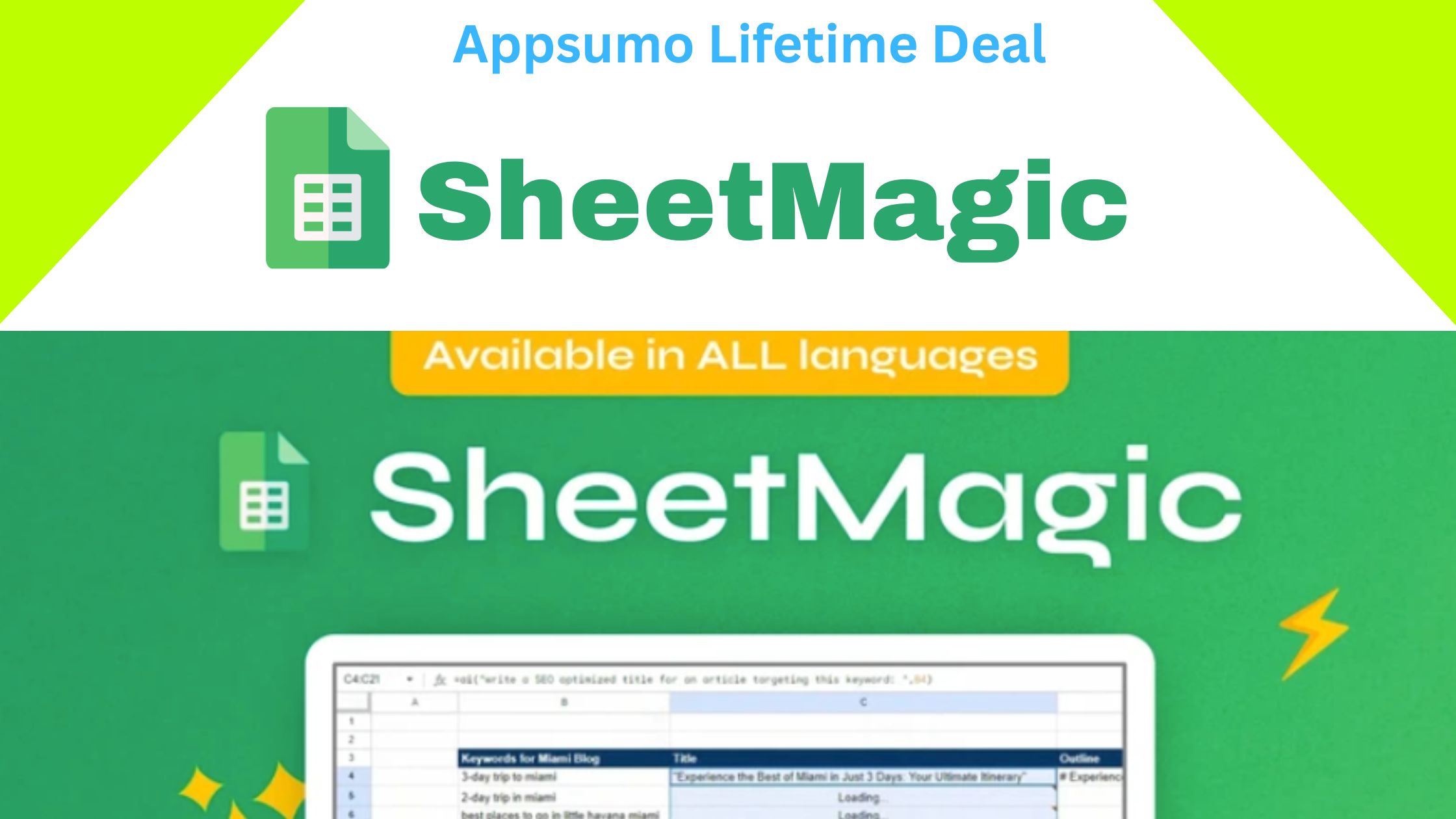
SheetMagic Review 2025 dives into the powerful combination of ChatGPT and Google Sheets, designed to automate workflows, generate insights, and save time for users.
In this SheetMagic Review 2025, we explore its key features, AI capabilities, and how it enhances productivity for businesses, marketers, and data enthusiasts.
Whether you’re managing spreadsheets, analyzing data, or automating tasks, this SheetMagic Review 2025 will help you understand why it’s becoming an essential AI tool for Google Sheets users. Accept SheetMagic
Get SheetMagic Review 2025 Appsumo Lifetime Deal
What is SheetMagic ?
SheetMagic is an add‑on/tool that integrates AI + web‑scraping directly into Google Sheets.
It allows you to run AI‑prompts (like using GPT‑3.5 / GPT‑4 / GPT‑4o / other models) directly in sheet cells, to generate content, analyze data, summarize text — all inside the spreadsheet.
Additionally, it supports web scraping: you can pull webpage data, headings, meta titles/descriptions, paragraphs or SERP data directly into Sheets — useful for research, SEO, competitor analysis.
Best for
- Bloggers
- Marketers
- Solopreneurs
Integrations
- Elementor
- Google Sheets
- WordPress
Alternative
- ai
- Google Sheets
- Jasper
Feature
AI
Key Features of SheetMagic Review 2025
Here are some of the main capabilities that make SheetMagic stand out:
| Feature
|
Description / Benefit
|
| AI‑powered content generation inside Sheets
|
Use prompts in cells to auto-generate text, summaries, descriptions — saves huge manual work.
|
| Web scraping from within Sheets
|
Pull page data, headings, meta info, full page content, or scrape SERPs — useful for SEO, research, data collection.
|
| Bulk / mass‑content creation
|
Great for product descriptions, bulk SEO articles, ad-copy generation — for many rows at once.
|
| Supports multiple AI models / flexibility (via API)
|
Works with GPT‑3.5, GPT‑4/4o, GPT‑Vision, and via Open Router you can plug in other LLMs — future‑proofing.
|
| No-code / Sheet-based UI
|
No need to code — if you know basic sheet usage, you can use SheetMagic.
|
| Team / Collaboration friendly
|
For teams — you can have multiple users (depending on plan), share sheets, collaborate.
|
| Lifetime Deal Option (via marketplace)
|
For many users lifetime‑deal codes are available (one‑time payment) — can be cost effective vs monthly subscription tools.
|
SheetMagic AppSumo Lifetime Deal Pricing
| Feature
|
1st Plan
|
2end Plan
|
3rd Plan
|
| One-Time Price (Sale)
|
$62.10
|
$124.20
|
$186.30
|
| Price (Original/Strikethrough)
|
$69 / $1,196 | $138 / $2,392
|
$207 / $3,588
|
| User Licenses
|
1 users
|
5 users
|
15 users
|
| License Duration
|
Lifetime Access
|
Lifetime Access
|
Lifetime Access
|
| Core AI Feature
|
Use ChatGPT in Google Sheets
|
Use ChatGPT in Google Sheets
|
Use ChatGPT in Google Sheets
|
| Bulk Content Creation
|
Unlimited
|
Unlimited
|
Unlimited
|
| OpenAI API Key Required (BYOK)
|
Yes (for usage)
|
Yes (for usage)
|
Yes (for usage)
|
| Scraping Capabilities
|
Unlimited (10+ functions)
|
Unlimited (10+ functions)
|
Unlimited (10+ functions)
|
| Prompt Library
|
Included
|
Included
|
Included
|
| Base AI Model Included
|
GPT 4o Mini
|
GPT 4o Mini
|
GPT 4o Mini |
| Unlimited AI Image Creation (Dall-E)
|
No
|
No
|
Yes
|
| Access to Advanced OpenAI Models
|
No
|
No
|
Yes (GPT-4, GPT-4 Turbo, GPT-Vision)
|
| Open Router Integration
|
No
|
No
|
Yes (Access to 100+ other models like Claude, Gemini, Llama)
|
| Includes All Future GPT Updates
|
No
|
No
|
Yes
|
Key Takeaway:
- 1st Plan is best for a Solo User who only needs the core text generation and scraping features using the most affordable AI model (GPT 4o Mini).
- 3rd Plan is designed for Teams/Agencies that need multiple user licenses and require access to advanced features like image generation, cutting-edge models (GPT-4), and third-party model access via Open Router. Click Here
SheetMagic: Pros & Cons
| Category
|
Pros (Advantages)
|
Cons (Disadvantages)
|
| Core Functionality
|
Unique Combination: Integrates powerful AI (GPT, Claude, etc.) and specialized Web Scraping functions in one tool.
|
Exclusively Google Sheets: Works only in Google Sheets; no direct integration with Excel, Zapier, or other automation tools.
|
| Bulk Work/SEO
|
Excellent for Bulk: Saves enormous amounts of time by generating thousands of pieces of content (descriptions, titles, emails) by simply dragging a formula.
|
Large Batch Instability: Some users report errors, timeouts, and instability when processing very large datasets (e.g., thousands of rows).
|
| Cost & Usage
|
Unlimited Usage: By using your own OpenAI API key (BYOK), you get unlimited prompts and scraping usage from the add-on.
|
Unpredictable API Cost: The BYOK model means unoptimized or accidental bulk runs can lead to sudden, high API bills from the AI provider (OpenAI).
|
| Ease of Use
|
No-Code Automation: Simple formula-based syntax (=AITEXT(), =SERP()) that requires no coding or scripting knowledge.
|
Learning Curve: Requires a moderate understanding of API keys, token cost management, and crafting effective prompts for complex, multi-step tasks.
|
| Features
|
Dedicated functions like =SERP() allow for quick, large-scale competitor and keyword research directly in the sheet.
|
Pricing Tiers: Lower lifetime deal tiers may restrict you to the basic AI model (GPT 4o Mini), forcing an upgrade for advanced models like GPT-4, GPT-Vision, and OpenRouter access.
|
Conclusion
In conclusion, this SheetMagic Review 2025 shows that integrating ChatGPT with Google Sheets can significantly streamline workflows and improve efficiency.
As highlighted in this SheetMagic Review 2025, its AI-driven automation and data processing make it ideal for professionals and small businesses looking to save time.
Overall, this SheetMagic Review 2025 confirms that SheetMagic is a reliable, easy-to-use, and innovative tool for leveraging AI within Google Sheets.
FAQ
What is SheetMagic?
A Google Sheets add-on that combines AI and web scraping to automate tasks and generate content.
Do I need coding skills?
No, it’s user-friendly and works without coding.
Which AI models are supported?
GPT-3.5, GPT-4, GPT-4o Mini, GPT-Vision, DALL·E, and 100+ via OpenRouter.
Do I need an OpenAI API key?
Yes, for AI content generation.
Who should use SheetMagic?
Content creators, marketers, SEO specialists, e-commerce managers, and anyone handling bulk data in Sheets.
Are lifetime deals available?
Yes, with 1, 2, or 3-code plans including all features and future updates.
Can it handle bulk tasks?
Yes, you can run AI prompts, scraping, and data processing on multiple rows at once.
More Appsumo Deal Visit Affihub